AI-Powered UI/UX Design Services
 White-Label & Dedicated Teams - Offshore developers, maintenance and agency support
Headless CMS - Sanity, Payload, Storyblok, Prismic, Contentful, Strapi and Next.js
AI Solutions - AI agents, chatbots, automation and machine learning
WordPress & WooCommerce - Custom themes, plugins and online stores
Shopify & eCommerce - Shopify, BigCommerce, PrestaShop and Webflow builds
HubSpot CMS - Custom themes, modules and integrations
Custom Web Development - PHP, Laravel, CodeIgniter, CakePHP, MERN and MEAN
Mobile App Development - iOS, Android, Flutter and React Native
Business Software - CRM, ERP, SaaS and enterprise applications
UI/UX & Frontend - Figma, design systems and pixel-accurate Figma-to-HTML
White-Label & Dedicated Teams - Offshore developers, maintenance and agency support
Headless CMS - Sanity, Payload, Storyblok, Prismic, Contentful, Strapi and Next.js
AI Solutions - AI agents, chatbots, automation and machine learning
WordPress & WooCommerce - Custom themes, plugins and online stores
Shopify & eCommerce - Shopify, BigCommerce, PrestaShop and Webflow builds
HubSpot CMS - Custom themes, modules and integrations
Custom Web Development - PHP, Laravel, CodeIgniter, CakePHP, MERN and MEAN
Mobile App Development - iOS, Android, Flutter and React Native
Business Software - CRM, ERP, SaaS and enterprise applications
UI/UX & Frontend - Figma, design systems and pixel-accurate Figma-to-HTML
Research-led, AI-accelerated
UI/UX Design Services
Good UX is almost invisible. People finish what they came to do without thinking about the interface. We get there with research, clear structure, tested prototypes and polished visual design, for websites, web apps, SaaS products and mobile apps.
We use AI where it makes the work better: summarising interviews, spotting patterns in feedback, exploring layout options and drafting content. We never replace real users with AI, and our designers make every decision.
The result is a product that is easier to use, easier to build and easier to improve.
- 11+Years of design experience
- 50+Global long-term clients
- 2,000+Projects delivered
- 24 hrsResponse time on queries
Our process
Understand the problem, then create the solution
A double-diamond approach: first widen, then narrow, twice.
-
01 Understand
Discover
We learn who your users are, what they struggle with and what the business needs.
- Stakeholder interviews
- User research
- Analytics review
- Competitor review
AIAI summarises interviews and feedback.
-
02 Understand
Define
We turn what we learned into a clear problem, a structure and the journeys that matter most.
- Personas
- Journey maps
- Sitemap
- User flows
AIAI clusters themes from reviews and tickets.
-
03 Create
Design
We sketch, design and prototype the solution, trying several ideas before committing.
- Wireframes
- UI design
- Prototype
- Accessibility
AIAI helps explore layout and copy variations.
-
04 Create
Deliver
We test with real people, fix what we find and hand over files developers can build from.
- Usability tests
- Specs
- Hand-off
- Design system
AIAI transcribes and tags test sessions.
Services
Our UI/UX Design Services
Use them together as one project, or pick just the ones you need.

UX Research
Interviews, surveys and observation that show what people really do and need.

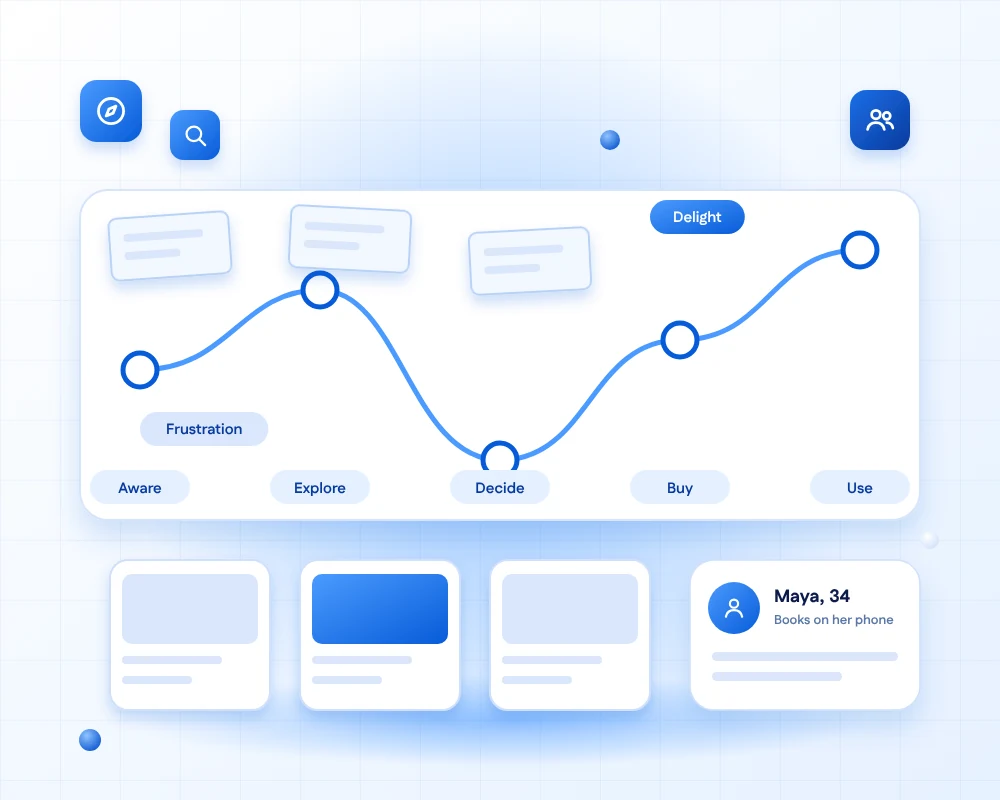
Personas & Journey Maps
Clear pictures of your users and the steps they take, with the high and low points marked.

Information Architecture
Navigation and structure that make content easy to find, tested with card sorting and tree tests.

Wireframing
Simple screen layouts that settle structure and flow before any visual design is done.

Interactive Prototyping
Clickable prototypes that feel like the real product, ready to test before development.

Usability Testing
Sessions where real users try your product, so you see problems before launch.

UI & Visual Design
Polished, on-brand interfaces with clear hierarchy, type and colour, in light and dark.

Accessibility Design
Designs that people with different abilities can use, built to meet WCAG 2.2 AA.
AI and people
Where AI helps, and where people lead
A clear line between speed and judgement keeps the research honest.
Where AI helps
Saving time on the heavy lifting- Summarising interview notes and survey comments.
- Finding themes in support tickets and reviews.
- Exploring layout and wording variations.
- Drafting realistic content for prototypes.
- Transcribing and tagging usability sessions.
Where people lead
Understanding, judgement and testing- Talking to real users and watching them work.
- Deciding what to build and what to leave out.
- Judging usability, taste and emotion.
- Testing prototypes with real people.
- Making accessibility and ethics decisions.
What you receive
Everything you need to build
Clear, organised files your team can use straight away.
- Research findingsWhat we heard and saw, with clear priorities.
- Personas & journey mapsWho your users are and where they struggle.
- Sitemap & flowsHow the product is organised and how people move through it.
- WireframesEvery key screen, with notes on behaviour.
- Clickable prototypeA realistic version to test and demo.
- UI kitColours, type and components, the start of a design system.
- Usability findingsWhat testers struggled with and how we fixed it.
- Developer hand-offSpecs, assets and tokens organised for building.
Ways to work
Start small, or go all in
Three ways to work with us, depending on where your product is today.

UX Audit
A quick expert review of your current product, with a ranked list of problems and fixes.
Short
Design Sprint
A focused sprint to design and test one feature or flow, from question to tested prototype.
FocusedDesign Partner
A dedicated designer or small team working beside your developers, month after month.
Ongoing
Adding AI features to your product?
AI screens need extra care: uncertainty, waiting, correction and permission. Our AI interface design service covers all of it.
FAQs
UI/UX design & AI questions, answered
UX design is about how a product works: the structure, flows and ease of use. UI design is about how it looks and feels: layout, colour, type, icons and motion. Great products need both, and we do both in one process.
Yes. We run interviews, surveys and usability tests, review analytics and study how people use similar products. Real research with real users is the foundation of our design, whatever tools we use.
We use AI to save time on summarising, clustering and exploring options, and never to replace people. Real users are still interviewed and tested, and our designers check every AI suggestion against what we actually saw and heard.
A focused feature can be designed and tested in one or two weeks as a design sprint. A full website or app usually takes several weeks, depending on the number of screens and rounds of testing. We agree a timeline after discovery.
Yes. We work in sprints alongside your developers, share Figma files that follow your components and join stand-ups and reviews, or we hand over a complete package if you prefer.
Yes. We design to meet WCAG 2.2 AA from the start, with sufficient contrast, clear focus states, readable type and structure that works with assistive technology, and we test it before hand-off.
Yes. Our UX audit reviews your product against usability principles and your analytics, and gives you a ranked list of problems and fixes. It is a quick, low-risk way to start.
It depends on the scope and the amount of research. After a short discovery call we offer a fixed price for a defined project, or a monthly rate if you want a design partner.
Ready to make your product easier to use?
Tell us about your product and your users. We will suggest where to start, show where AI can speed up the work, and agree a clear plan and price.