AI-Powered Mobile App UI/UX Design
 White-Label & Dedicated Teams - Offshore developers, maintenance and agency support
Headless CMS - Sanity, Payload, Storyblok, Prismic, Contentful, Strapi and Next.js
AI Solutions - AI agents, chatbots, automation and machine learning
WordPress & WooCommerce - Custom themes, plugins and online stores
Shopify & eCommerce - Shopify, BigCommerce, PrestaShop and Webflow builds
HubSpot CMS - Custom themes, modules and integrations
Custom Web Development - PHP, Laravel, CodeIgniter, CakePHP, MERN and MEAN
Mobile App Development - iOS, Android, Flutter and React Native
Business Software - CRM, ERP, SaaS and enterprise applications
UI/UX & Frontend - Figma, design systems and pixel-accurate Figma-to-HTML
Designed for thumbs, built for habits
Mobile App UI/UX Design
A great mobile app feels obvious. The right thing is under your thumb, tasks take a few taps and nothing makes you wait. We design iOS, Android and cross-platform apps around how people really hold and use their phones.
Our process combines user research, wireframes, clickable prototypes and polished interface design that follows Apple's Human Interface Guidelines and Google's Material Design, so your app feels at home on each platform.
We also design for AI: conversational screens, smart suggestions and adaptive layouts that stay clear, trustworthy and easy to control. AI speeds up our research and exploration, and our designers decide and refine every screen.
- 11+Years of design experience
- 50+Global long-term clients
- 2,000+Projects delivered
- 24 hrsResponse time on queries
Why an app
Why invest in mobile app design?
People spend much of their day in apps. A well-designed one earns a place on the home screen, and a place on the home screen earns repeat visits.
Six things a thoughtful app can do that a website often cannot.

Faster to Access
An app opens from the home screen in one tap and can keep people signed in, so customers reach what they need in seconds.

Personalised Content
Apps can learn preferences and show relevant content, offers and reminders, which makes people feel known and brings them back.

Using Device Features
Camera, location, biometrics, wallet and sensors become part of the experience, so the app can do things a website cannot.

Notifications & Instant Updates
Timely, relevant notifications and automatic updates keep users informed and engaged without extra effort.

Branding & Gestures
Familiar gestures such as swipe, pinch and long-press, plus your colours, icons and motion, make the app feel like your brand.

Productivity & Lower Cost
A well-designed app speeds up daily tasks for staff and customers, and a clear design system keeps later changes cheaper.
AI in your app
Designing for AI-powered apps
Six interface patterns we design for the AI features inside modern apps.

Conversational screens
Chat and assistant screens that stream replies, show sources and make it easy to correct or try again.
Chat
Voice & multimodal input
Speak, type, snap a photo or scan a document, with clear feedback about what the app heard or saw.
Input
Smart suggestions
Predictions and shortcuts that appear at the right moment, are easy to ignore and never block the main task.
Assist
Adaptive layouts
Screens that adjust to context such as time, place or ability, without surprising the user.
Context
Trust & control
Clear labels for AI content, simple ways to undo, and permission prompts that explain why they are asked.
Trust
Offline & on-device AI
Designs for slow networks, on-device models and graceful fallbacks when AI is not available.
Resilience
Platforms
iOS, Android or both?
Each platform has its own habits. We design for them, or share one design system across both.
| Topic | iOS | Android | Cross-platform |
|---|---|---|---|
| Design language | Apple's Human Interface Guidelines, including the Liquid Glass look of recent iOS versions. | Google's Material Design 3, with adaptive layouts for phones, tablets and foldables. | One shared design system that follows each platform's conventions where users notice them. |
| Navigation | Tab bars, swipe-back and large titles. | Bottom navigation, system back and gesture navigation, with a rail on larger screens. | A single navigation model with platform-specific back and gesture behaviour. |
| Controls & type | System type, native pickers and sheets. | Material components, dynamic colour and system type. | Common components, styled per platform. |
| Best when | You launch iOS first or serve a premium audience. | You need the widest range of devices and markets. | One team should ship to both stores faster, with Flutter or React Native. |
Services
Our Mobile App Design Services
From first wireframe to a prototype you can hold, each service has an AI-assisted option.
-
 01 / 08
Mobile UX Design
Research, user flows and information architecture that make your app easy to learn and quick to use.
WITH AIAI-assisted synthesis of interviews and store reviews to find the real pain points.
-
 02 / 08
Mobile Wireframe Design
Low-fidelity screens that show structure and flow before any visual design, so changes are quick and cheap.
WITH AIGenerate several wireframe options per screen, then refine the strongest.
-
 03 / 08
Android App Design
Interfaces that follow Google's Material Design, adapt to phones, tablets and foldables, and feel native on Android.
WITH AIAutomated checks of spacing, contrast and touch targets.
-
 04 / 08
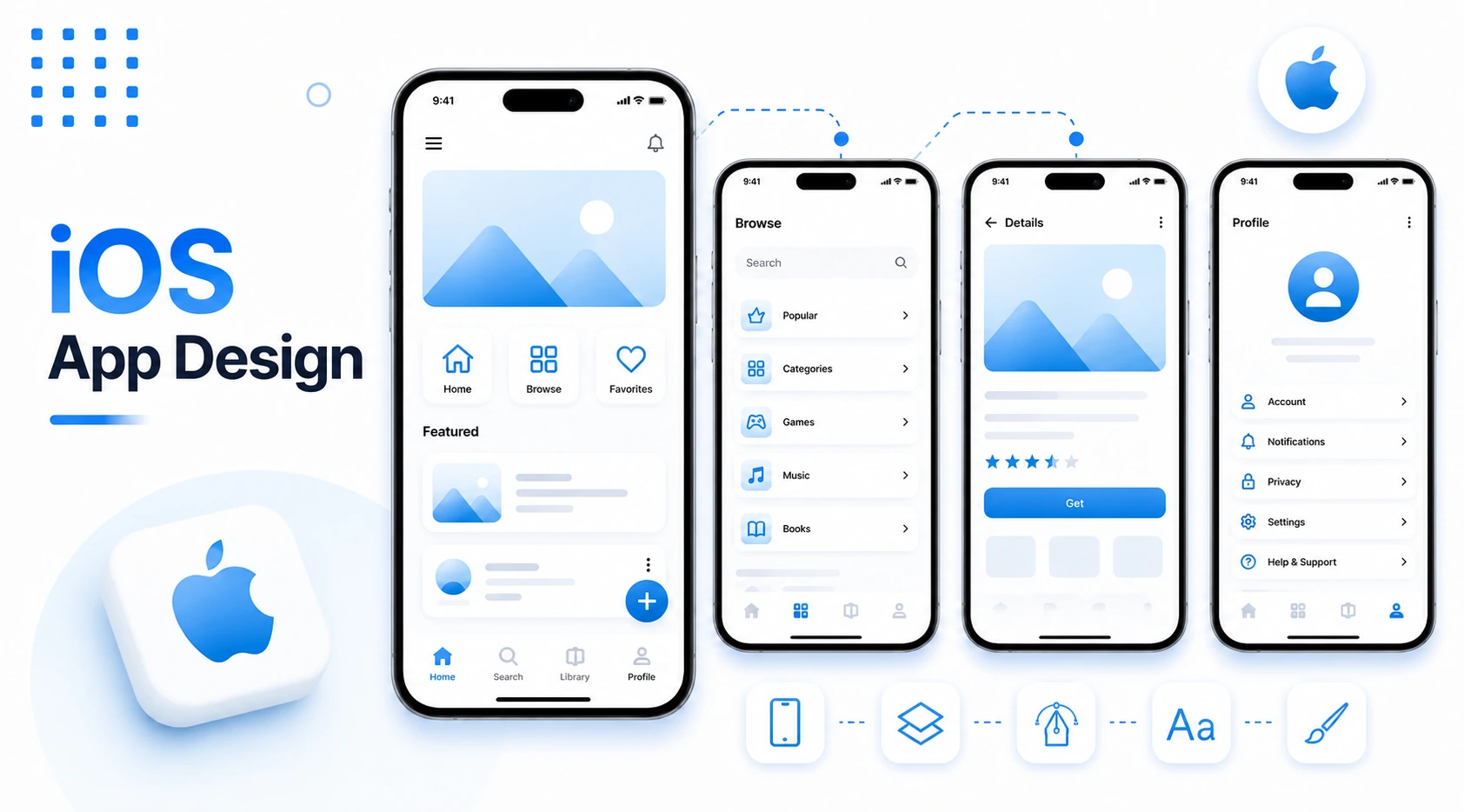
iOS App Design
Interfaces that follow Apple's Human Interface Guidelines, with the gestures, type and motion iPhone users expect.
WITH AIVariation exploration for onboarding and empty states.
-
 05 / 08
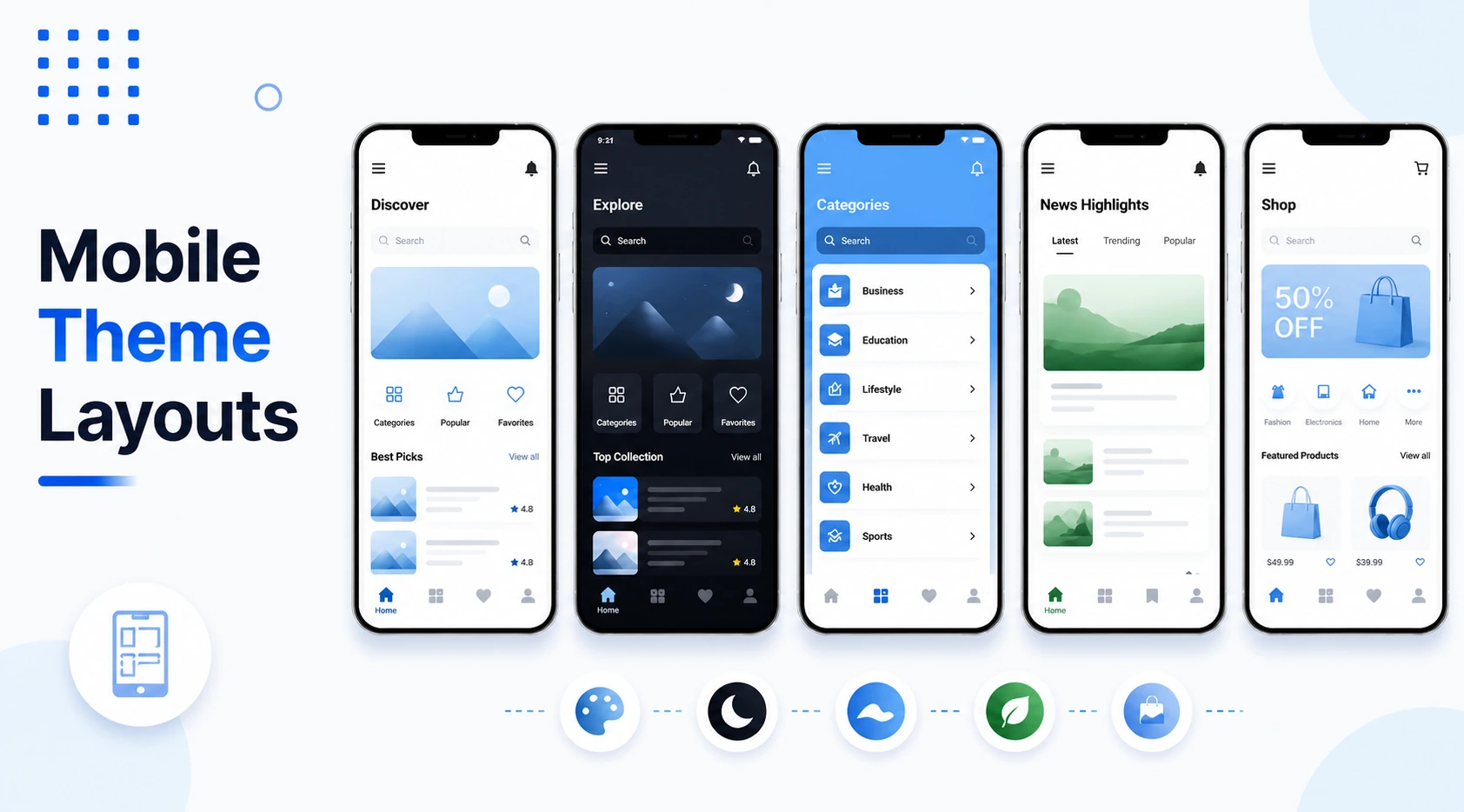
Mobile Theme Layouts
Consistent colour, type and component themes, including dark mode, that keep every screen on brand.
WITH AITheme and contrast suggestions across light and dark modes.
-
 06 / 08
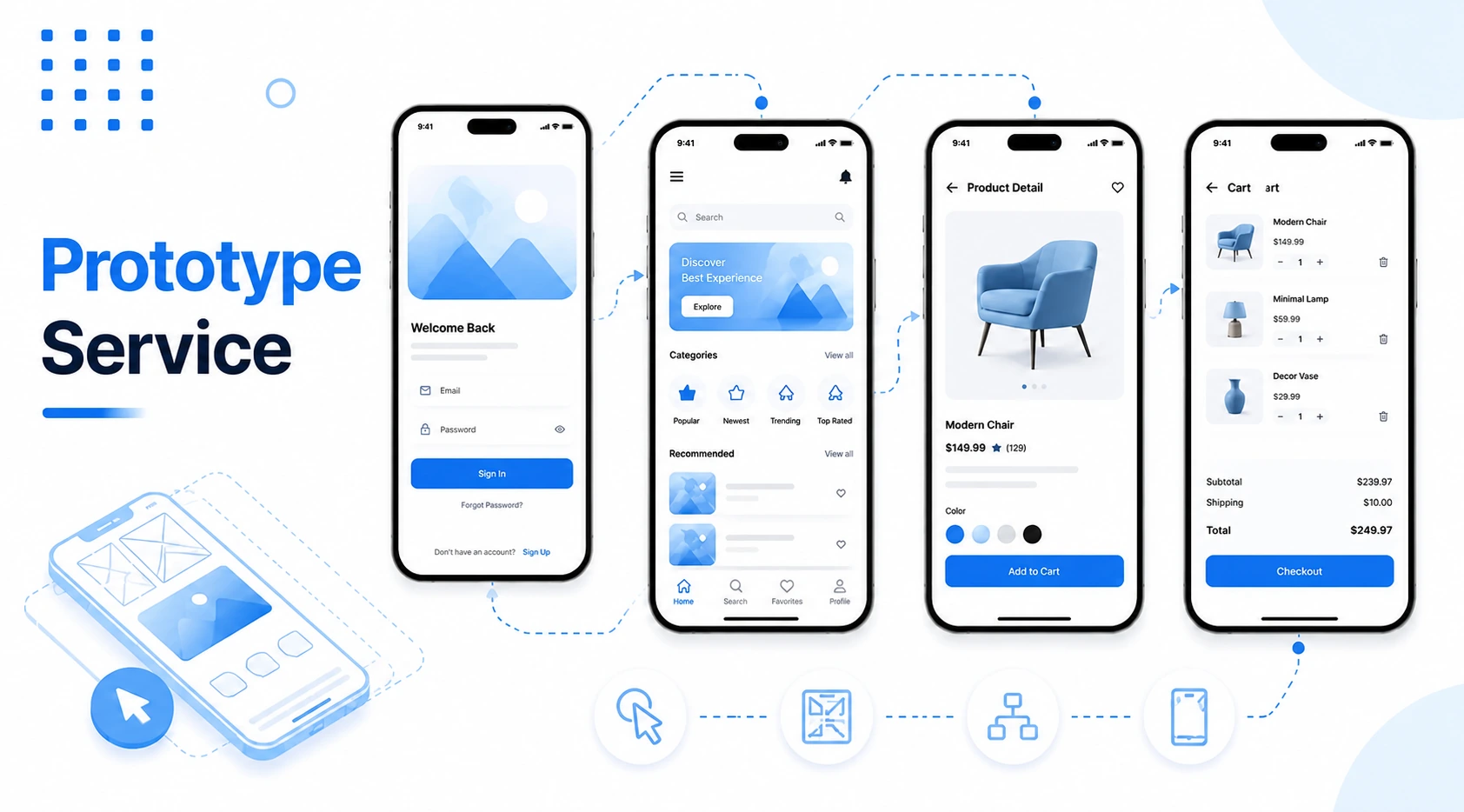
Prototype Service
Clickable prototypes you can try on a real phone, so users and stakeholders can test the app before it is built.
WITH AIAI-assisted prototype content and quick scenario variations.
-
 07 / 08
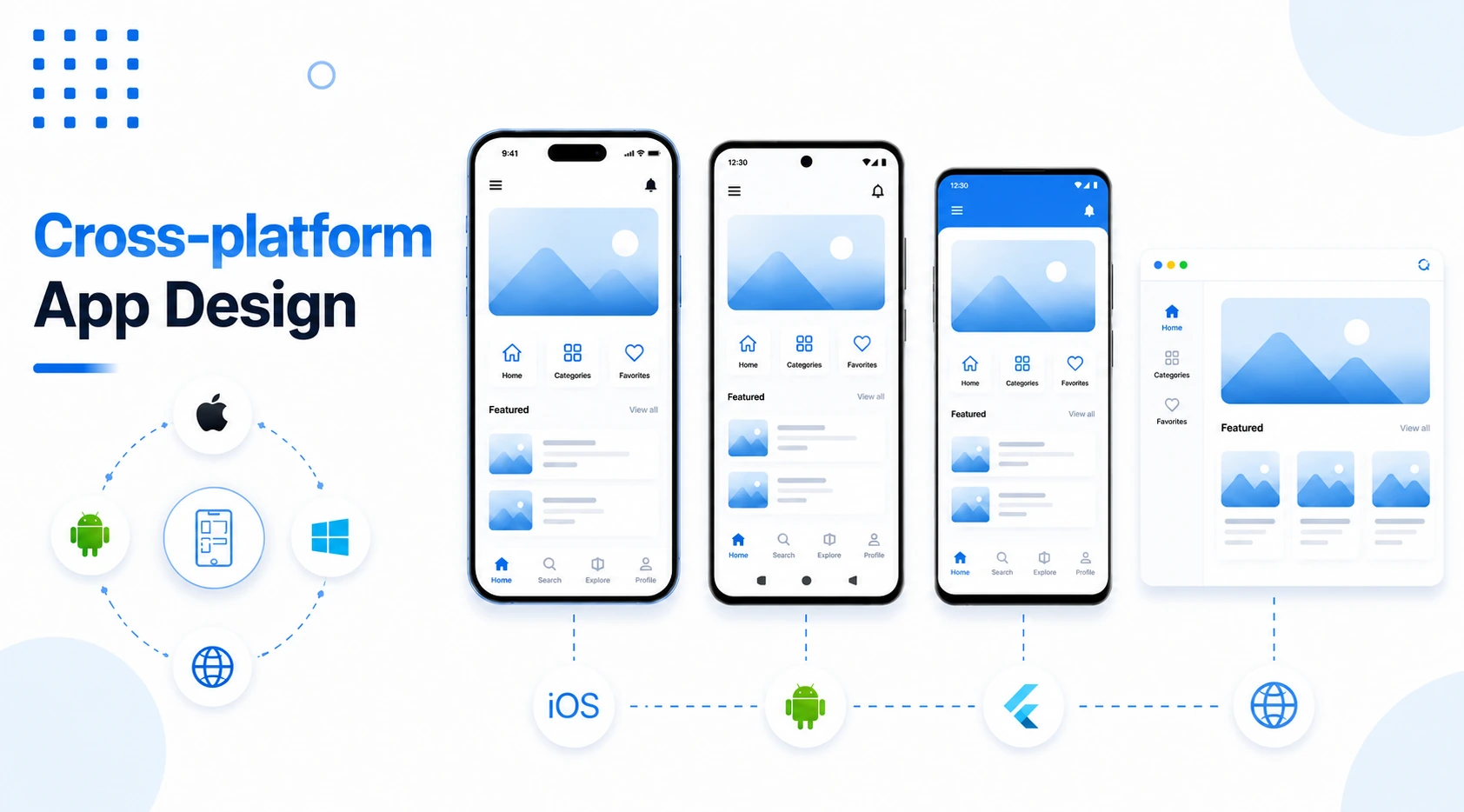
Cross-Platform App Design
One design system for Flutter or React Native apps, with platform-aware details where users notice them.
WITH AIAI-assisted mapping of design components to code components.
-
 08 / 08
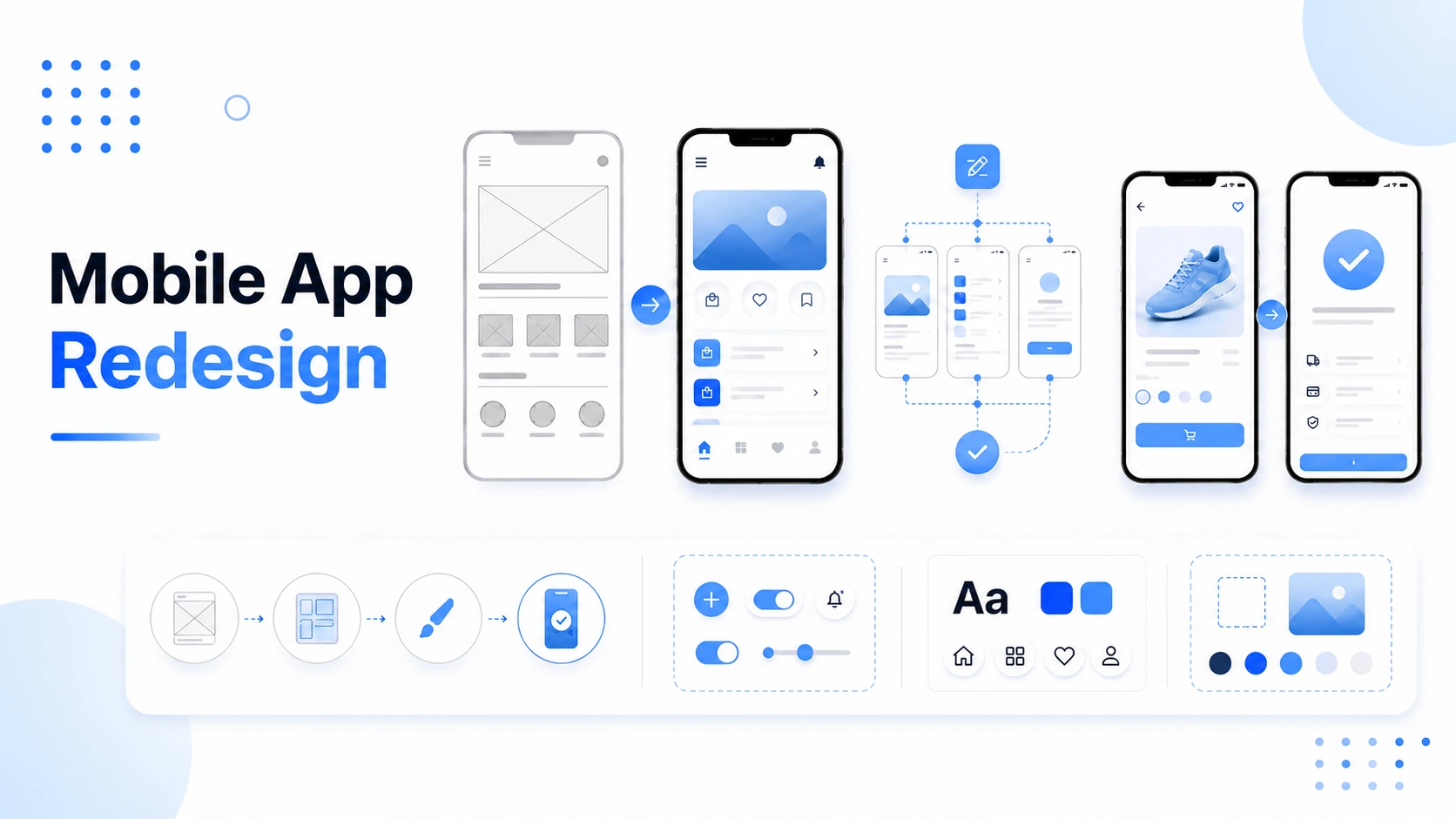
Mobile App Redesign
Fresh interfaces for existing apps, based on analytics, reviews and usability tests, without losing what users already like.
WITH AIAI-assisted review analysis to decide what to fix first.
How we work
From idea to app-ready design
Six clear steps, with a review at the end of each one, so there are no surprises when development starts.
Discover & research
We talk to your team and your users, study competitors and set clear goals for the app.
Flows & wireframes
We map the key journeys and sketch every screen in simple wireframes you can review quickly.
Visual design & design system
We design the interface in Figma with reusable components, colours, type and dark mode.
Prototype & test
A clickable prototype goes in front of real users, and we fix what confuses them before development.
Hand-off to developers
Specifications, assets and design tokens are organised for your developers, or for ours if we build the app too.
Launch & learn
After release we look at usage and feedback and keep improving the design.
Need the app built as well as designed?
Our mobile developers build iOS, Android and cross-platform apps straight from the design files, so nothing is lost in hand-off.
FAQs
Mobile design & AI questions, answered
UX design is how the app works: the flows, structure and ease of use. UI design is how it looks and feels: layout, colour, type, icons and motion. Good mobile design combines both so people can do what they came to do quickly and enjoy it.
It depends on your audience and markets. If most of your customers use iPhones, start there. If you need the widest reach, Android or a cross-platform approach makes sense. We look at your audience data and recommend a path, and a shared design system makes adding the second platform much easier.
AI helps us summarise interviews and reviews, explore several wireframe and layout options quickly, check spacing and contrast, and draft realistic content for prototypes. Our designers make every decision and test with real users, so the result is shaped by people, not generated.
Yes. We design assistant and chat screens, voice and photo input, smart suggestions and the trust details around them, such as showing sources, labelling AI content and making it easy to undo or correct. See our AI product and interface design page for more.
Yes. iOS designs follow Apple's Human Interface Guidelines and Android designs follow Google's Material Design. For cross-platform apps we keep one design system and adapt the details that users expect to feel native, such as navigation and controls.
Yes. We design in Figma with reusable components and design tokens, and prepare specifications and assets for developers. If you need the app built as well, our mobile app development team can work from the same files.
Yes. We review analytics, store reviews and support questions, test the current app with users and then redesign the weakest journeys first, so you improve the experience without losing what customers already like.
A focused app of around ten to fifteen screens can often be designed and prototyped in a few weeks, while larger products take longer. After a short discovery call we agree the scope, timeline and a fixed price or a monthly team rate.
Ready to design an app people love to use?
Tell us about your app idea or your existing app. We will suggest the right platform approach, where AI can genuinely help, and how we will test the design with real users.