AI-Powered Figma & XD to Code
 White-Label & Dedicated Teams - Offshore developers, maintenance and agency support
Headless CMS - Sanity, Payload, Storyblok, Prismic, Contentful, Strapi and Next.js
AI Solutions - AI agents, chatbots, automation and machine learning
WordPress & WooCommerce - Custom themes, plugins and online stores
Shopify & eCommerce - Shopify, BigCommerce, PrestaShop and Webflow builds
HubSpot CMS - Custom themes, modules and integrations
Custom Web Development - PHP, Laravel, CodeIgniter, CakePHP, MERN and MEAN
Mobile App Development - iOS, Android, Flutter and React Native
Business Software - CRM, ERP, SaaS and enterprise applications
UI/UX & Frontend - Figma, design systems and pixel-accurate Figma-to-HTML
From design file to live website
Design to Code
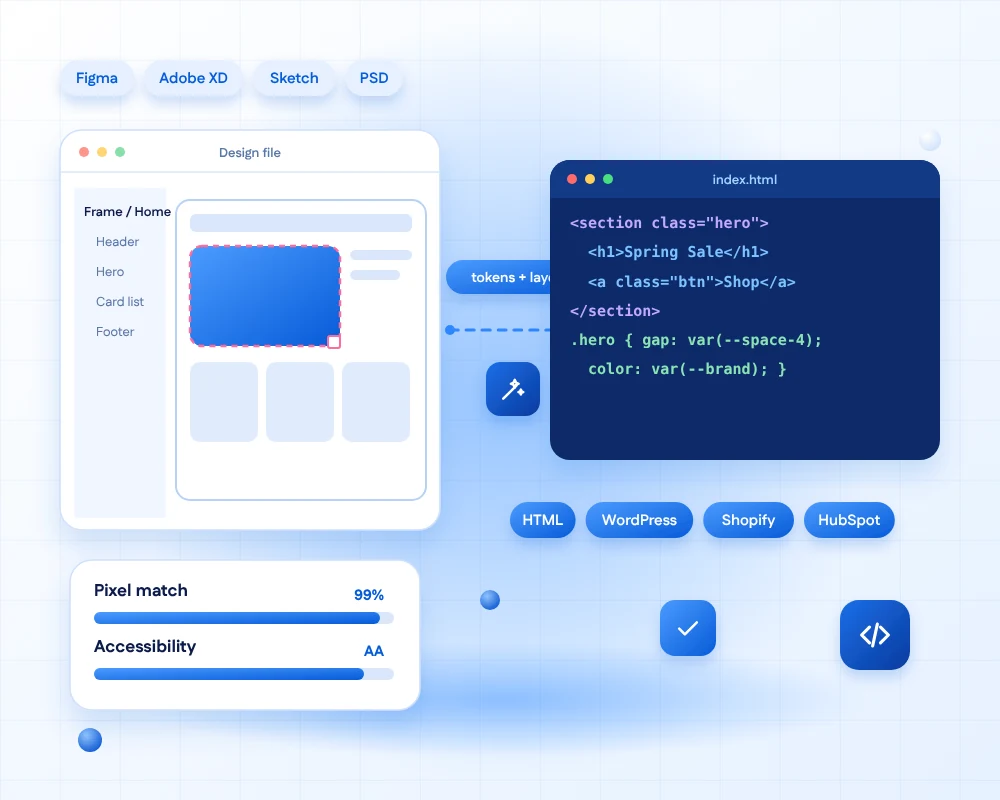
A beautiful design only helps when it is built exactly as drawn. We turn Figma, Adobe XD, Sketch and PSD files into clean, responsive, accessible code for HTML websites, WordPress, Shopify, HubSpot and online stores.
AI now reads design files well. Figma's MCP server lets AI coding tools read your frames, components, variables and layout, so our developers start from your real design data rather than from screenshots, and match spacing, type and colour closely.
AI writes the first draft. Our developers refine every page, check accessibility, test on real devices and make it editable in your CMS.
- 11+Years of front-end experience
- 50+Global long-term clients
- 2,000+Projects delivered
- 24 hrsResponse time on queries
What you get
Why choose our design-to-code service?
Six things every conversion includes, whichever design tool you use.

Fully Responsive
Pages adapt cleanly to phones, tablets and desktops, with behaviour for every screen size agreed with you.

Clean, SEO-Friendly Markup
Semantic HTML and tidy CSS that search engines can read and your developers can maintain.

Rich Functionality
Menus, sliders, forms, tabs and animations built to match your prototype, in plain JavaScript or your framework.

Fast Loading
Optimised images, lazy loading and lean code, so the page you designed also loads quickly.

Secure by Default
Validated forms, current libraries and no unneeded plugins, so the code does not add risk.

Valid & Accessible
W3C-valid markup with keyboard support and contrast that meets WCAG 2.2 AA.
AI-assisted workflow
How AI and developers work together
Five steps from your design file to production code, with a person checking each one.

Review the design
AI reads the file and flags missing states, inconsistent spacing and gaps before any code is written.

Extract tokens
Colours, type and spacing become reusable variables, matching your design system.
--brand: #075bd8;
Build components
Frames become HTML components or theme parts, using your real Figma structure, not screenshots.

Check & test
Visual comparison against the design, plus accessibility and real-device checks.

Deliver
Clean code, or a CMS theme your team can edit, with short documentation.
Supported design files
Whatever tool your designers use
We start from the file you have, and read as much of its structure as it holds.
| Design file | What we read | What you get |
|---|---|---|
| Figma | Frames, auto layout, components, variables and Dev Mode specifications. AI tools can read the same data through Figma's MCP server. | Pixel-accurate HTML and CSS or a CMS theme, with your design tokens as CSS variables. |
| Adobe XD | Artboards, components, repeat grids and exported assets. | The same clean code, plus help moving your files to Figma if you wish. |
| Sketch | Artboards, symbols, shared styles and exported slices. | Responsive code that follows your symbols as reusable components. |
| PSD | Layers, groups and smart objects, rebuilt as real layout rather than flattened images. | Editable, responsive pages built from your Photoshop layout. |
Using Adobe XD? XD is no longer receiving new features, so many teams are moving to Figma. We convert your XD files to code as they are, and can help migrate them to Figma if you want to.
Services
Our Design to Code Services
Pick where your design should live. Each service accepts Figma, XD, Sketch or PSD files.
-
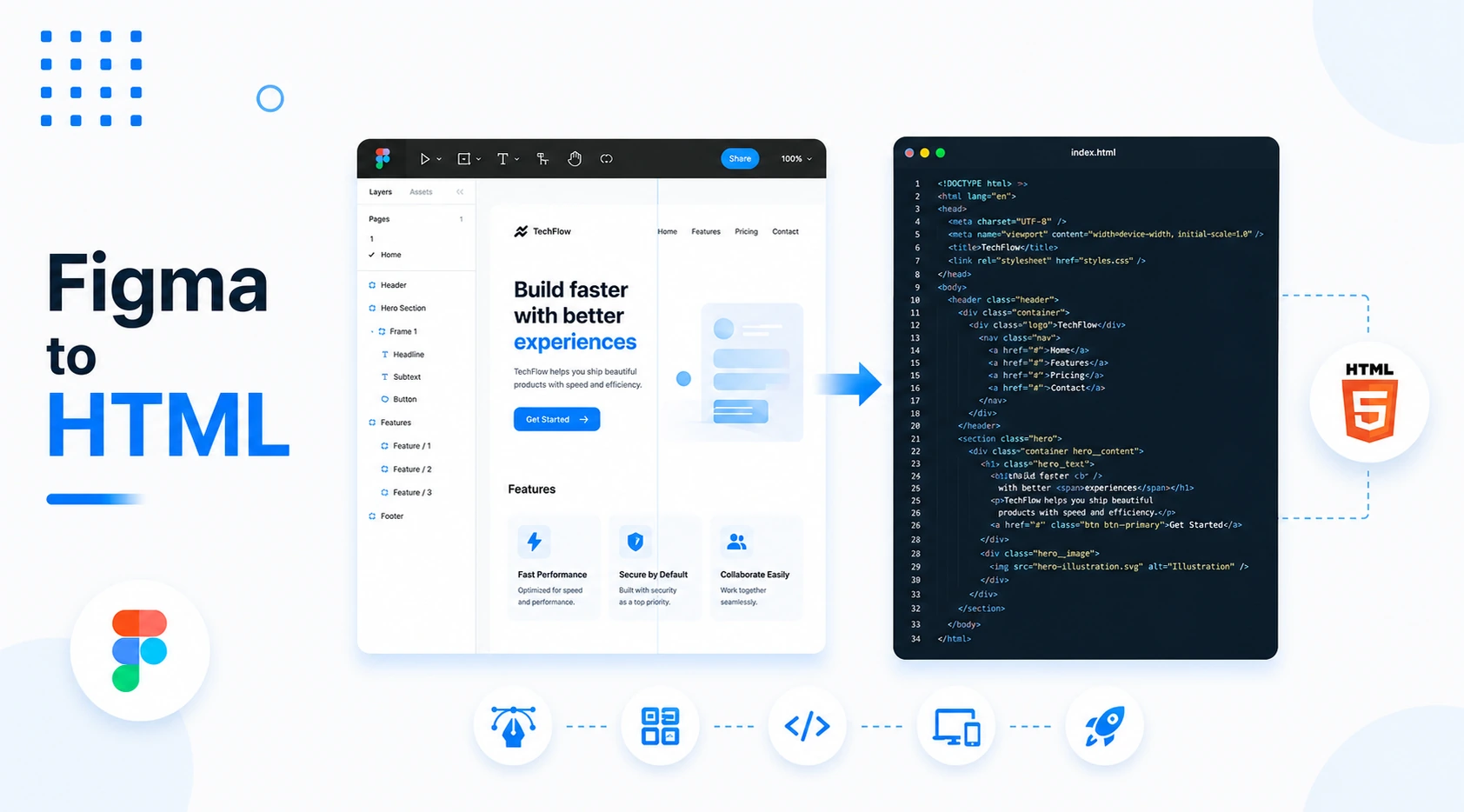
Figma to HTML
Hand-checked HTML5, CSS3 and JavaScript from your Figma, XD, Sketch or PSD design, ready for any host.
WITH AIAI reads your frames and writes the first draft, and a developer finishes it.
-
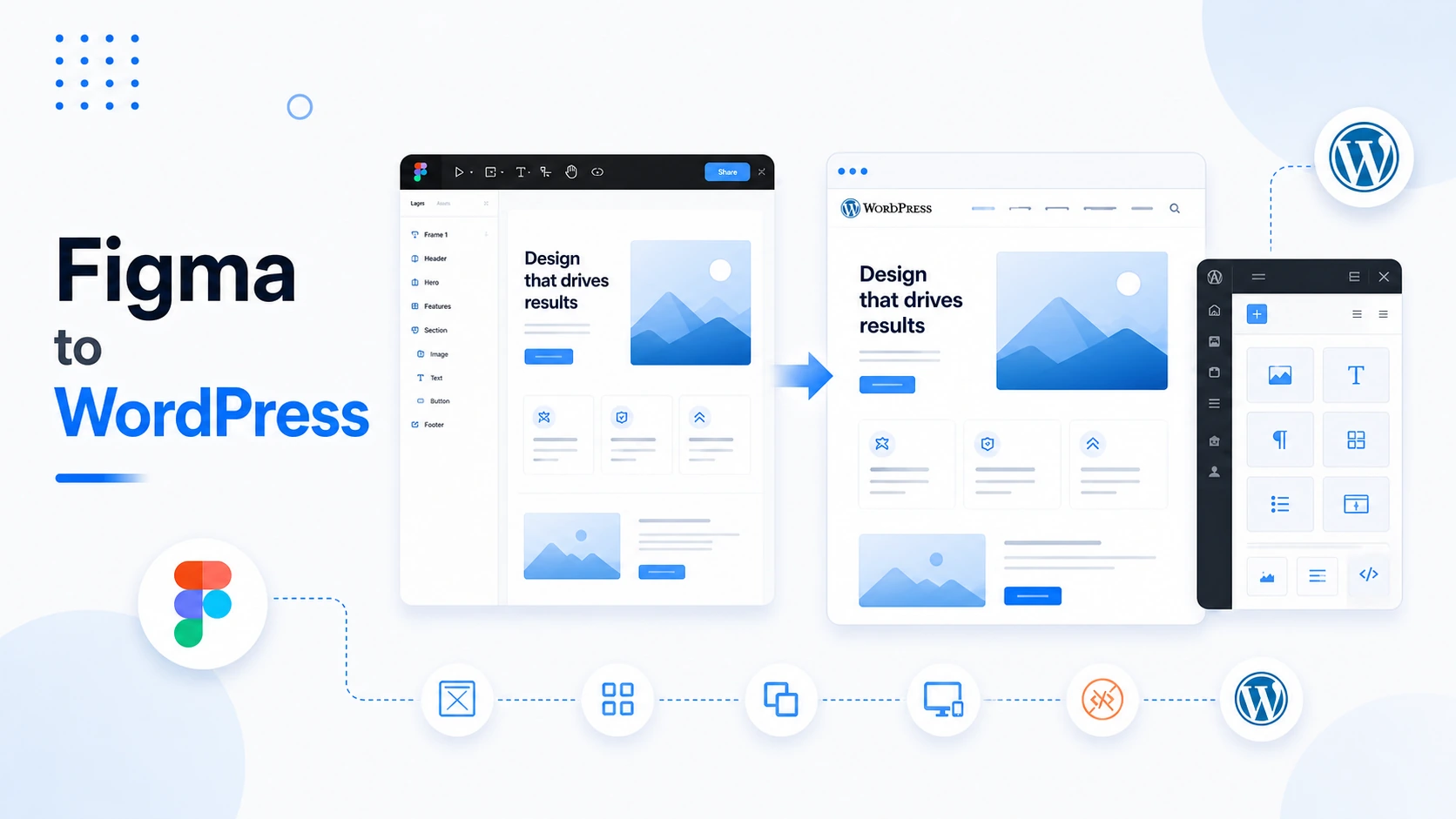
Figma to WordPress
Your design as a custom WordPress theme with editable blocks, menus and fields, so your team can manage content.
WITH AIFields, block patterns and alt text drafted by AI, then reviewed.
-
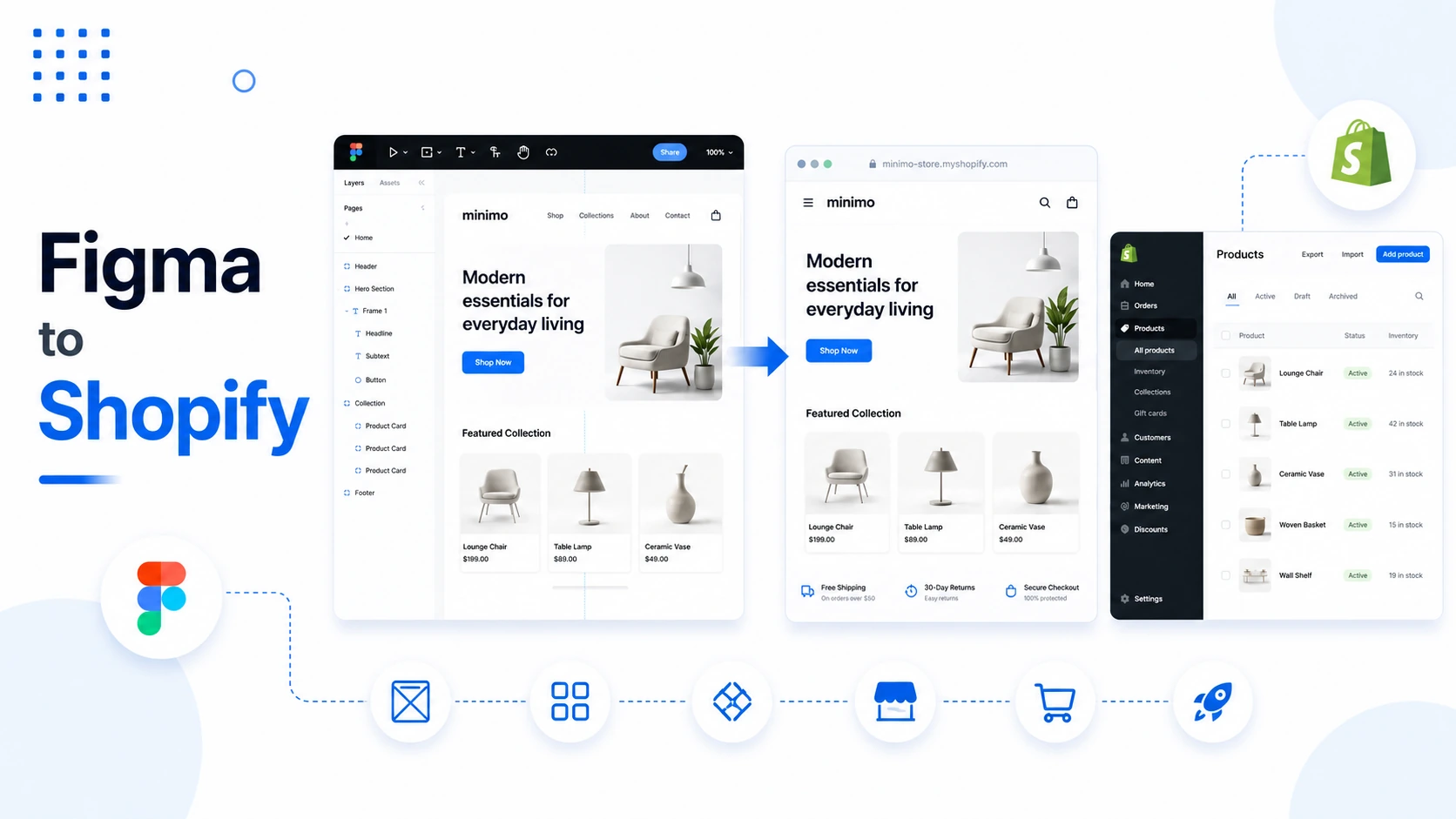
Figma to Shopify
Your design as a Shopify theme with sections, product pages and a checkout that matches your brand.
WITH AISection schemas and settings generated from your components.
-
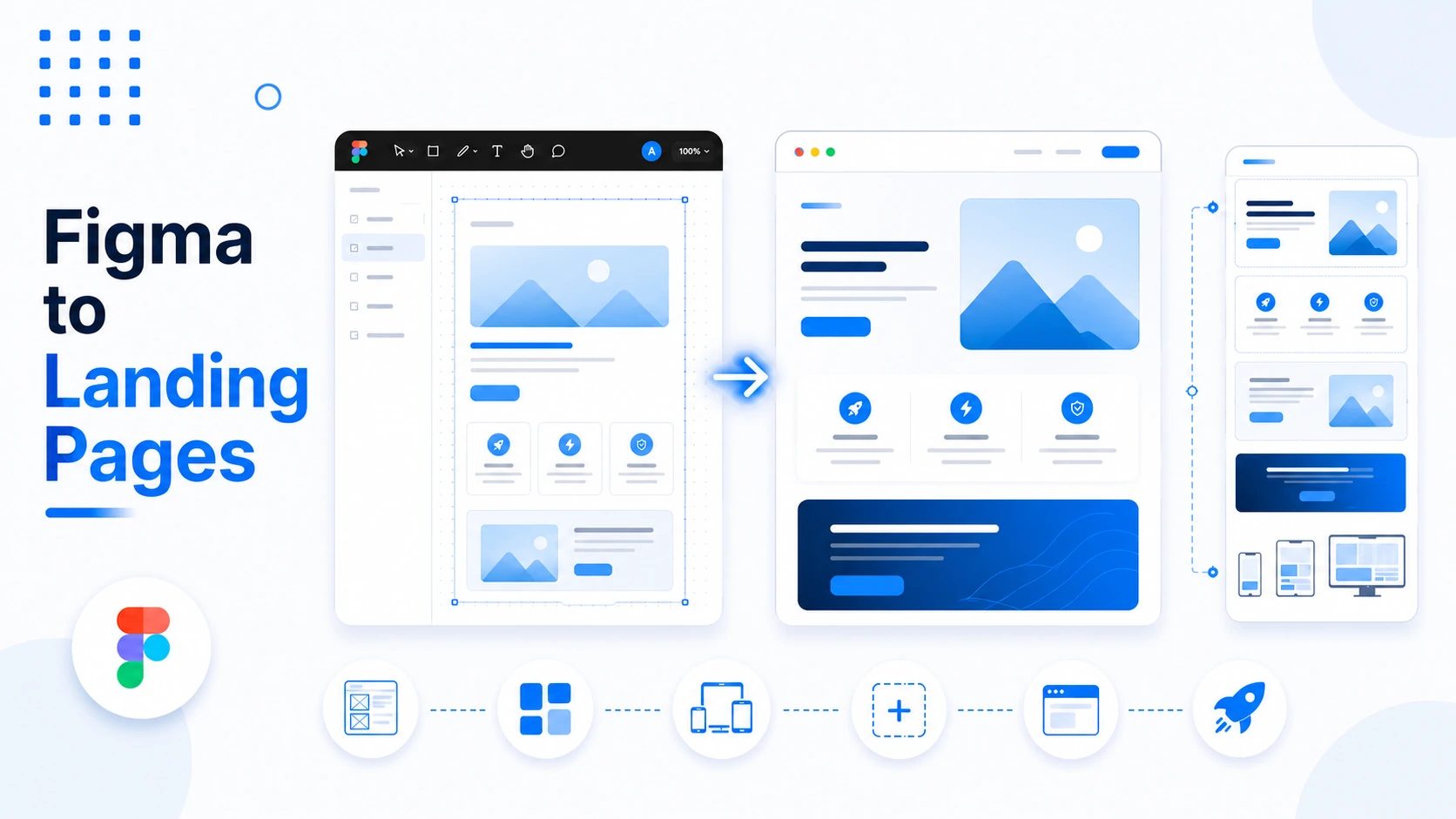
Figma to Landing Pages
Fast, focused landing pages that match your design and are ready for testing and tracking.
WITH AIVariant-ready sections for quick A/B testing.
-
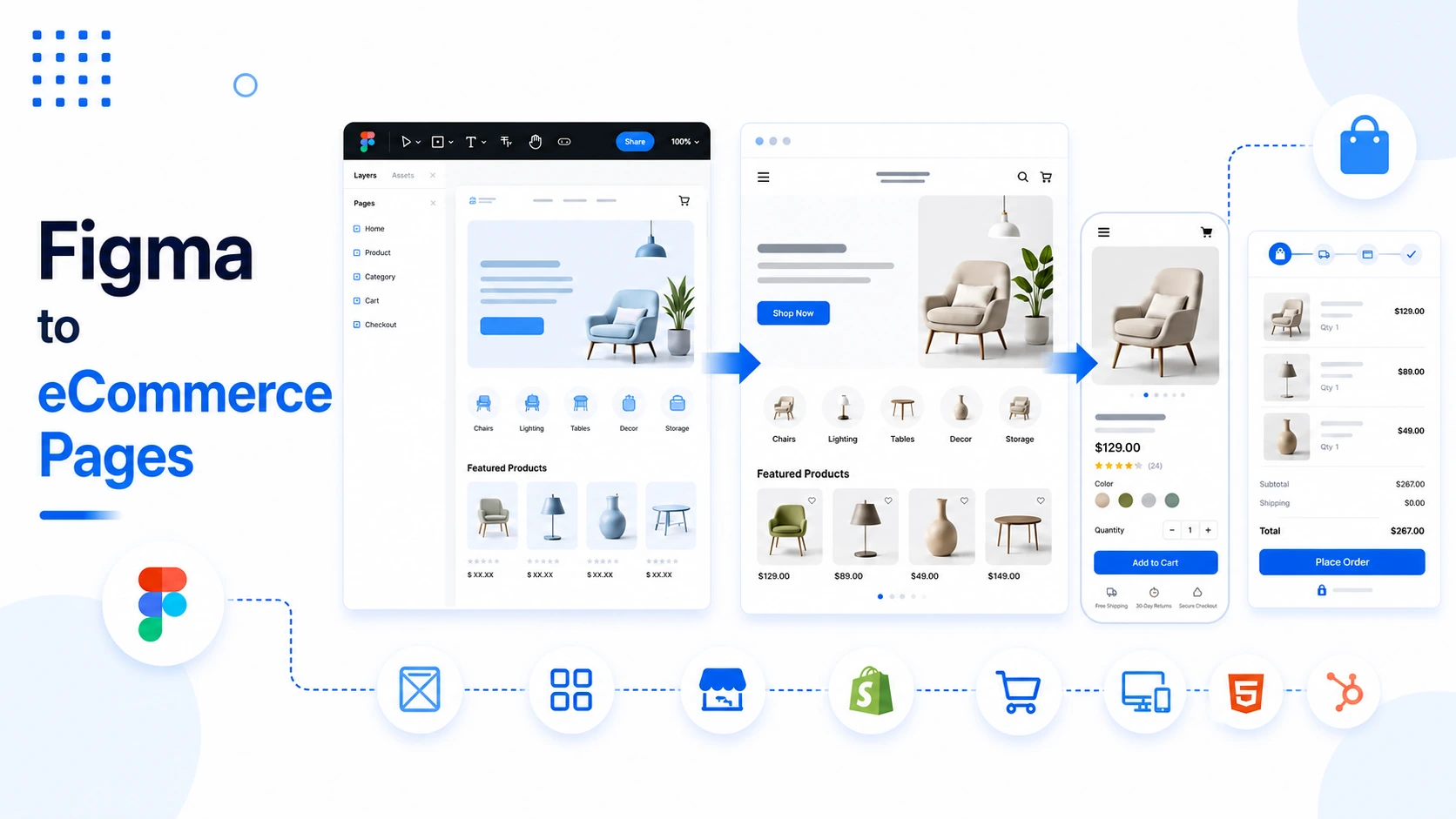
Figma to E-Commerce Pages
Category, product, cart and account pages built to your design on WooCommerce, Shopify or a custom shop.
WITH AIConsistent templates for large catalogues, built from one component set.
-
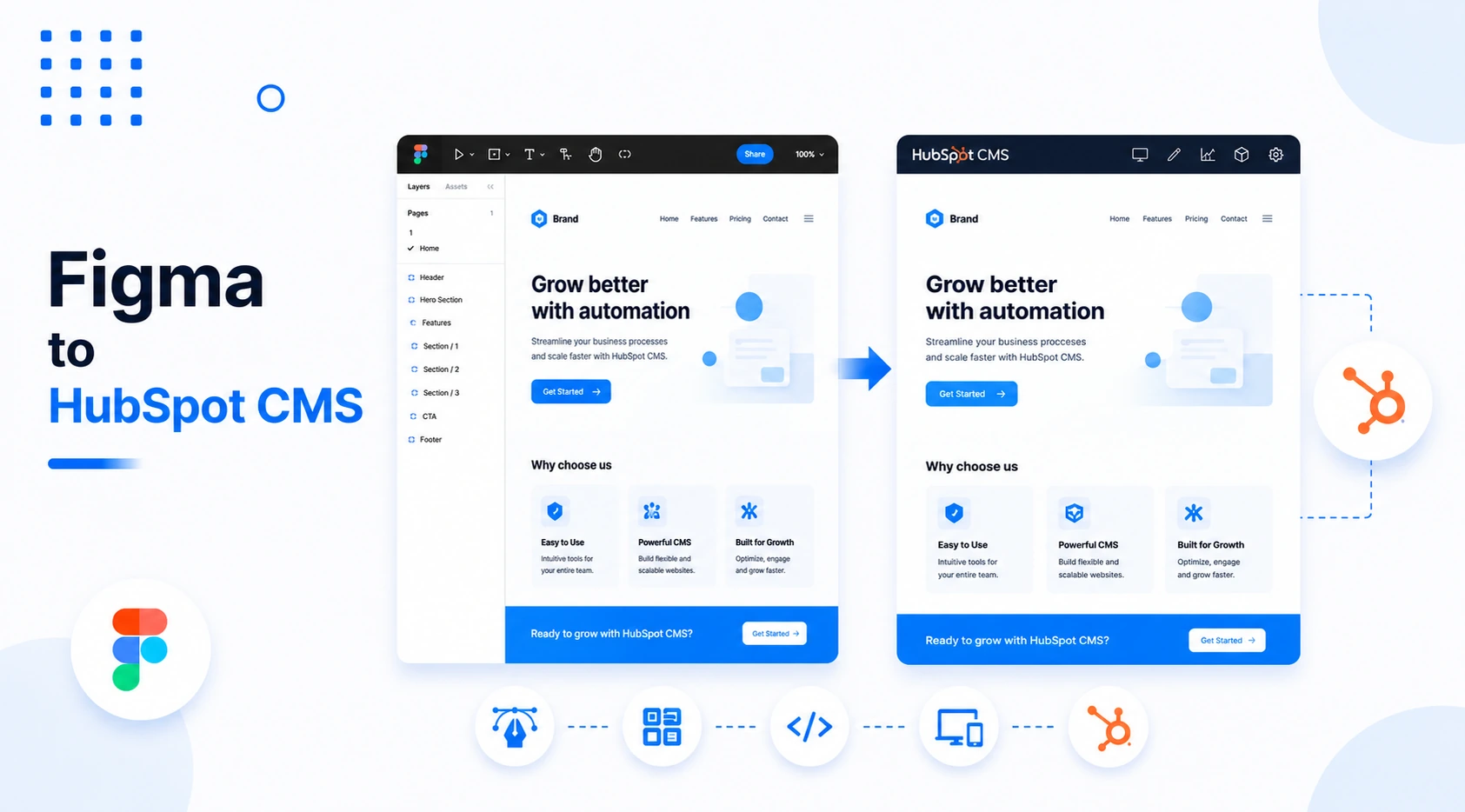
Figma to HubSpot CMS
Your design as a HubSpot theme with modules and templates that marketers can edit without a developer.
WITH AIModule fields and editing hints drafted from your design.
Quality you can check
Checked before hand-over
Every conversion passes the same six checks, whether it is one page or fifty.
- Close visual matchSpacing, type and colour are compared with your design using visual diffs.
- Responsive at every widthChecked from small phones to wide monitors, including the in-between sizes.
- Accessible markupSemantic structure, keyboard support and AA contrast, built in from the start.
- Valid codeW3C validation and clean, consistent code that passes our review.
- Fast pagesOptimised images, lazy loading and Core Web Vitals targets.
- Cross-browser testedChrome, Safari, Firefox and Edge, on real iOS and Android devices.
Building more than a few pages?
A design system turns your Figma components into coded components once, so every new page is faster and stays consistent.
FAQs
Design-to-code & AI questions, answered
We convert Figma, Adobe XD, Sketch and Photoshop (PSD) files. If you only have images or a PDF of a design, we can still work from them, although a proper design file gives a closer result.
AI tools can read the structure of a Figma file, including frames, components, variables and layout, and produce a first draft of the markup and styles. Our developers then refine it, check accessibility, test on real devices and connect it to your CMS. AI makes the first draft quicker, and people make sure it is right.
Not on its own, which is why we never ship it unreviewed. Every page is checked by a developer for structure, accessibility, performance and security, and compared visually with your design before we hand it over.
Yes. We ask for mobile and tablet frames if you have them. If you do not, we propose how each section should adapt and agree it with you before building, so there are no surprises.
Yes. We build custom themes for WordPress, Shopify and HubSpot, with editable blocks, sections or modules, so your team can update content without a developer. See our platform pages for more.
Yes. We build hover effects, scroll animations, sliders, menus and form behaviour as shown in your prototype, with respect for visitors who prefer reduced motion.
Adobe XD is no longer receiving new features, and many teams are moving their designs to Figma. If you still have XD files, we convert them to code as they are, and we can also help you migrate them to Figma.
Plain HTML, CSS and JavaScript, Bootstrap, Tailwind CSS, React, Next.js and others, depending on your project. We match your existing stack where there is one.
A typical marketing page can be turned into code within days, and a full website within a few weeks, depending on the number of unique layouts and the CMS. After a quick look at your files we give a fixed quote.
Yes. We sign an NDA whenever you ask, work only from the files you share and do not use your designs to train any model.
Ready to turn your design into code?
Share your Figma, XD, Sketch or PSD files. We will review them, tell you how we would build them, where AI can speed things up, and give you a fixed quote.